Voting with time
Updated
Some teams find it easier to think in hours than in abstract story points. Scrumpy keeps the card, free-scale, or parameter estimate and can show the equivalent time beside it, so the team can estimate the way it works while the result still lands in days and hours. The time appears only when the perspective writes to a time-based board or a Time field, and the last section shows how to set that up.
Set the conversion from your project history
Open the perspective settings and find Story points to hours. To choose the factor, look at a few recent completed work items: add up the time they actually took and divide it by the story points they were estimated at. Use that average (for example, 1 point = 8 hours) so the time estimate reflects how your team really works rather than a generic guess.

Vote with cards, a free scale, or parameters
The conversion works with every voting style.
Cards
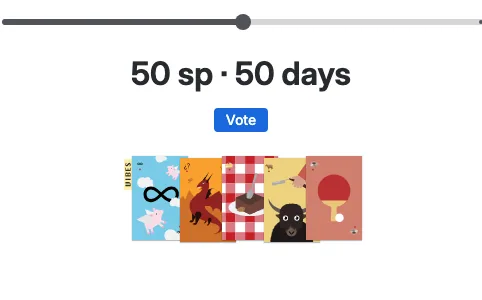
With cards, the result labels show each vote in the units the perspective writes: story points on a numeric board or a story points field, the duration on a time board or a Time field, and both when the target writes a time value next to the story points.
Free scale
With the free scale, the slider preview above Vote shows story points on a numeric board or a story points field. A time board or a Time field shows the duration, and a Field target with both a story points field and a Time field shows both.
Parameters
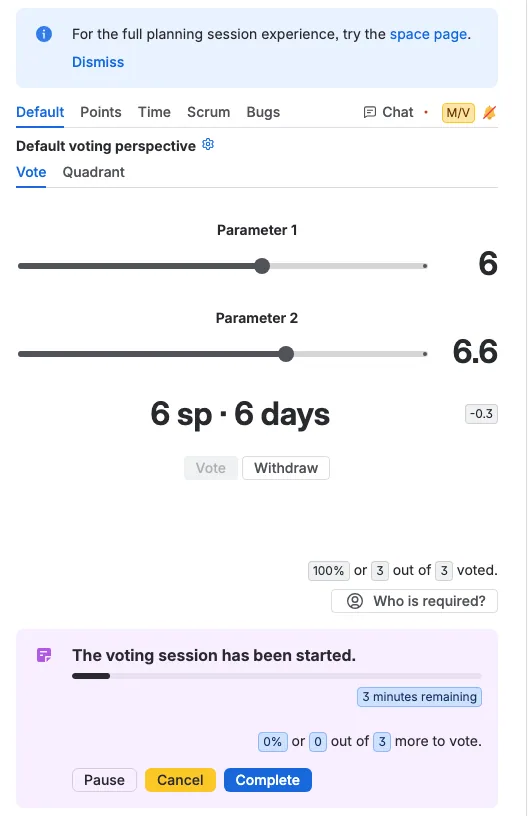
With parameters, the calculated result below the sliders shows story points on a numeric board or a story points field. A time board or a Time field shows the duration, and a Field target with both a story points field and a Time field shows both.
Read the result
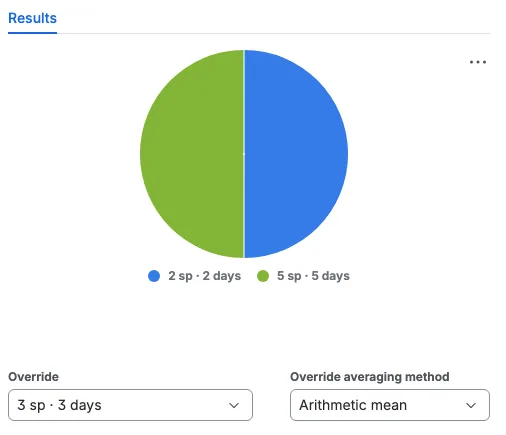
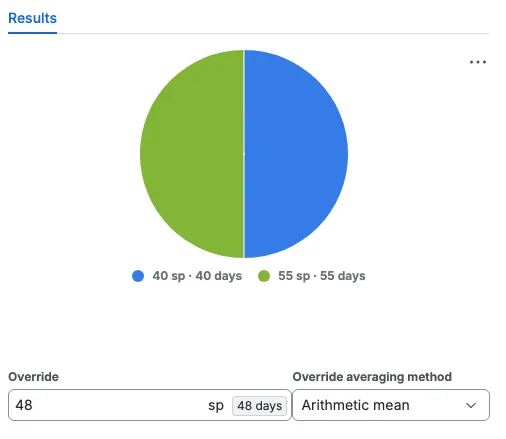
When the session completes, the result chart, the vote list, and the moderator's Override field show the result in the units the perspective writes. On a time board or a Time field that is the duration; when the target writes both story points and time, they appear together, and choosing a different override updates the time beside it.
Make the time estimate reach Jira
Scrumpy shows the time value only when the perspective writes it to a Jira time field. Set up one of these before you vote.
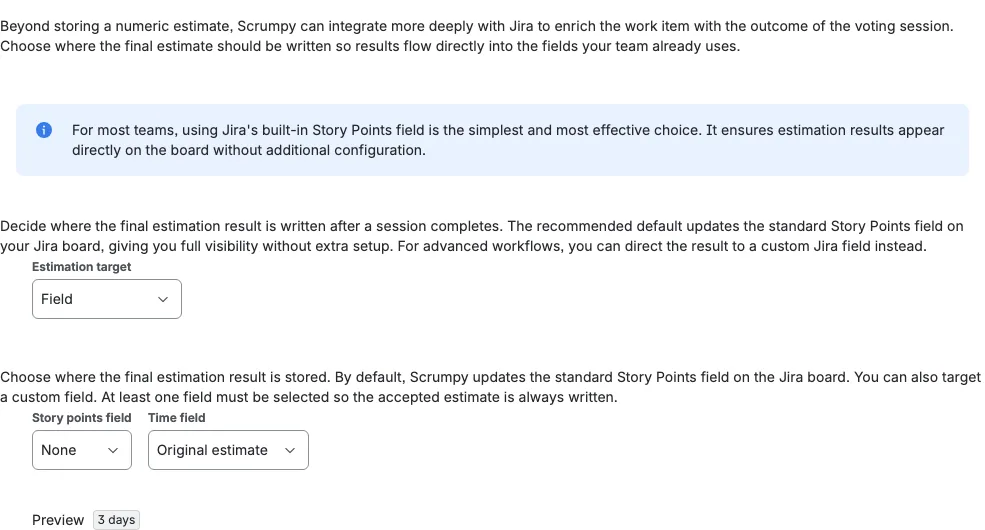
Use a time field as the target. Set Estimation target to Field, then choose a Jira time field under Time field, for example Original estimate. The Story points field can stay None when the team only wants the time written.
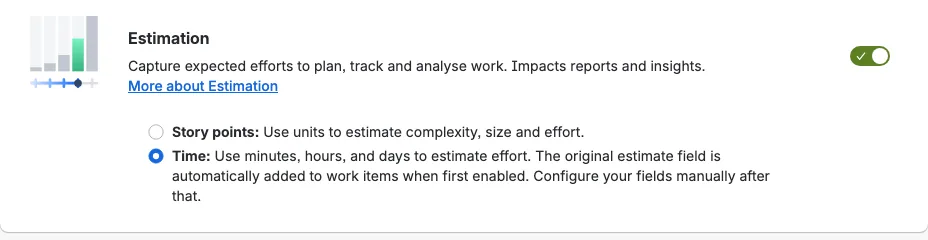
Use the board's time estimate. Set Estimation target to Default, pick the board the team plans with, and then open Configure this board's estimation settings in Jira and set the board's estimation method to a time statistic such as Original time estimate. With the default target, Scrumpy sends the result to the board and the board decides which field stores it.
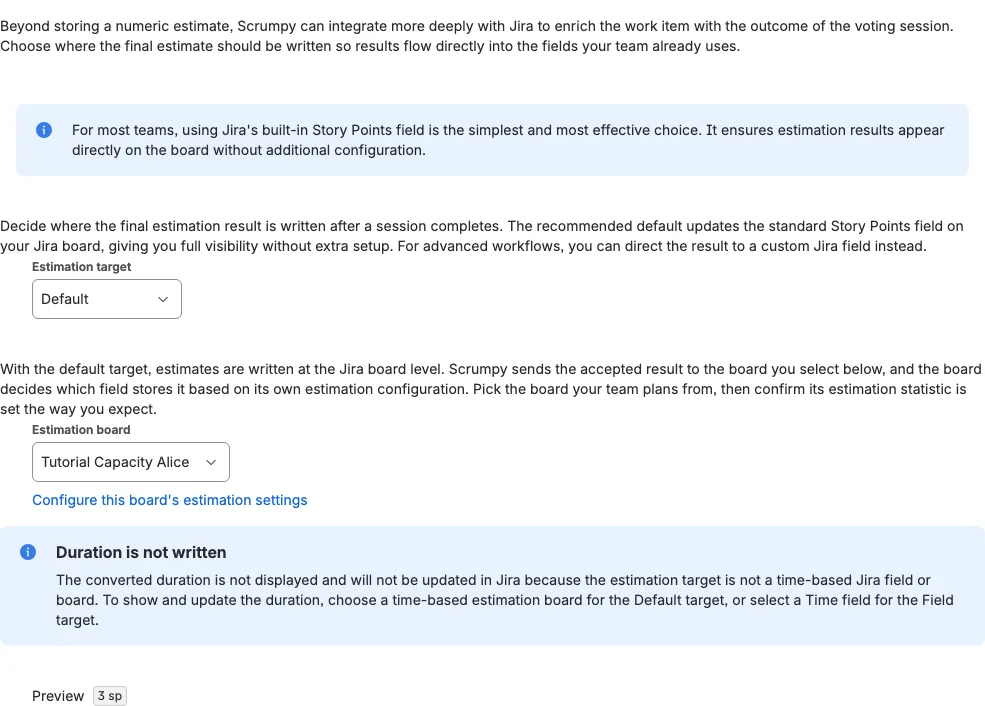
In the Jira board settings, set the Estimation method to a time statistic such as Original time estimate.