Voting with cards
Updated
Voting with cards takes just a few clicks: set up your team once, start a session, and let everyone pick their estimate.
Set up your team once
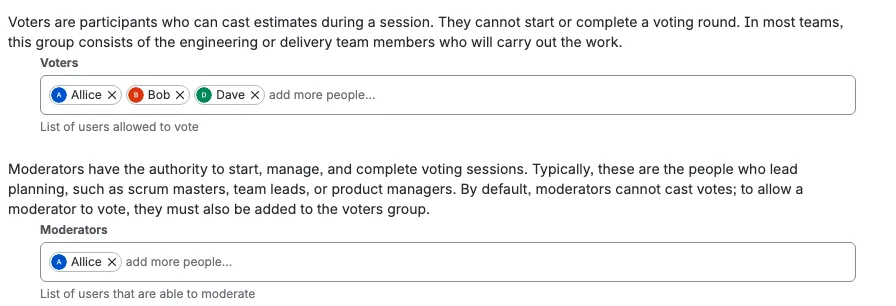
Before any voting starts, a space administrator sets up the moderators and voters for the space. This is a one-time step: Scrumpy remembers the team for every session after that. Everyone else can watch the session and see the results, but only voters cast cards and only moderators run the session.
Start a session and vote
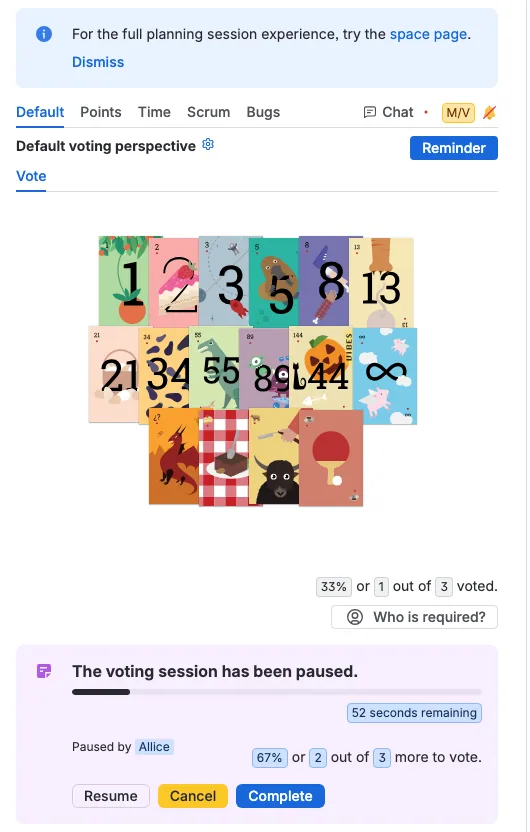
Once you are a moderator, press Start in the work item panel and the session begins. Participants pick the card that matches their estimate and cast it. When the discussion is over, the moderator finalizes the session: Accept the calculated estimate, or Override the result with the number the team agreed on.
Make the cards yours
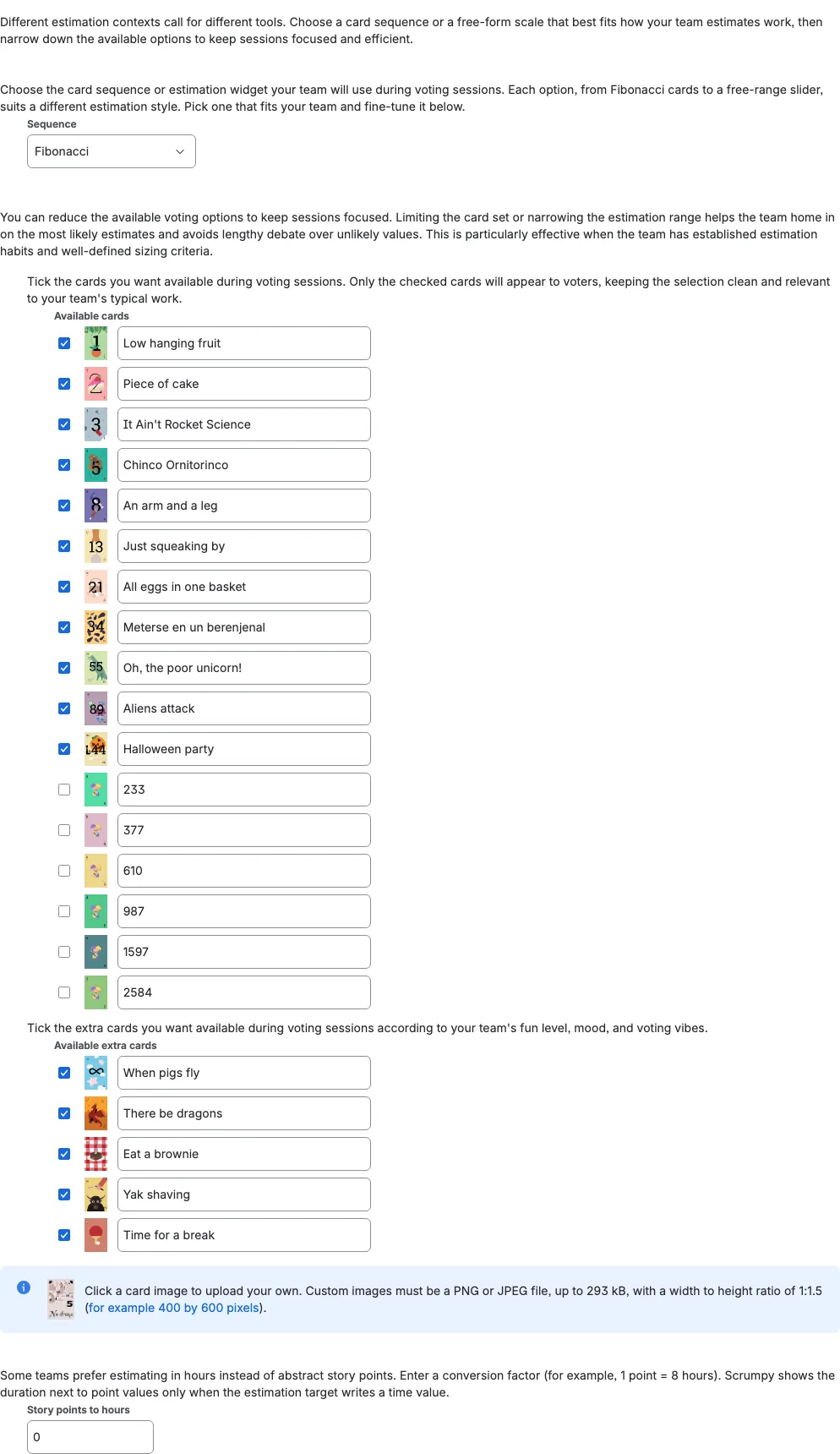
The deck fits the way your team estimates. Turn individual cards on or off, give them your own titles, and even upload custom images. Voters then see only the options you chose, so every vote stays quick and focused.